
Intelligent software platform
Coming Q3 2026Sentinel OS Vela.
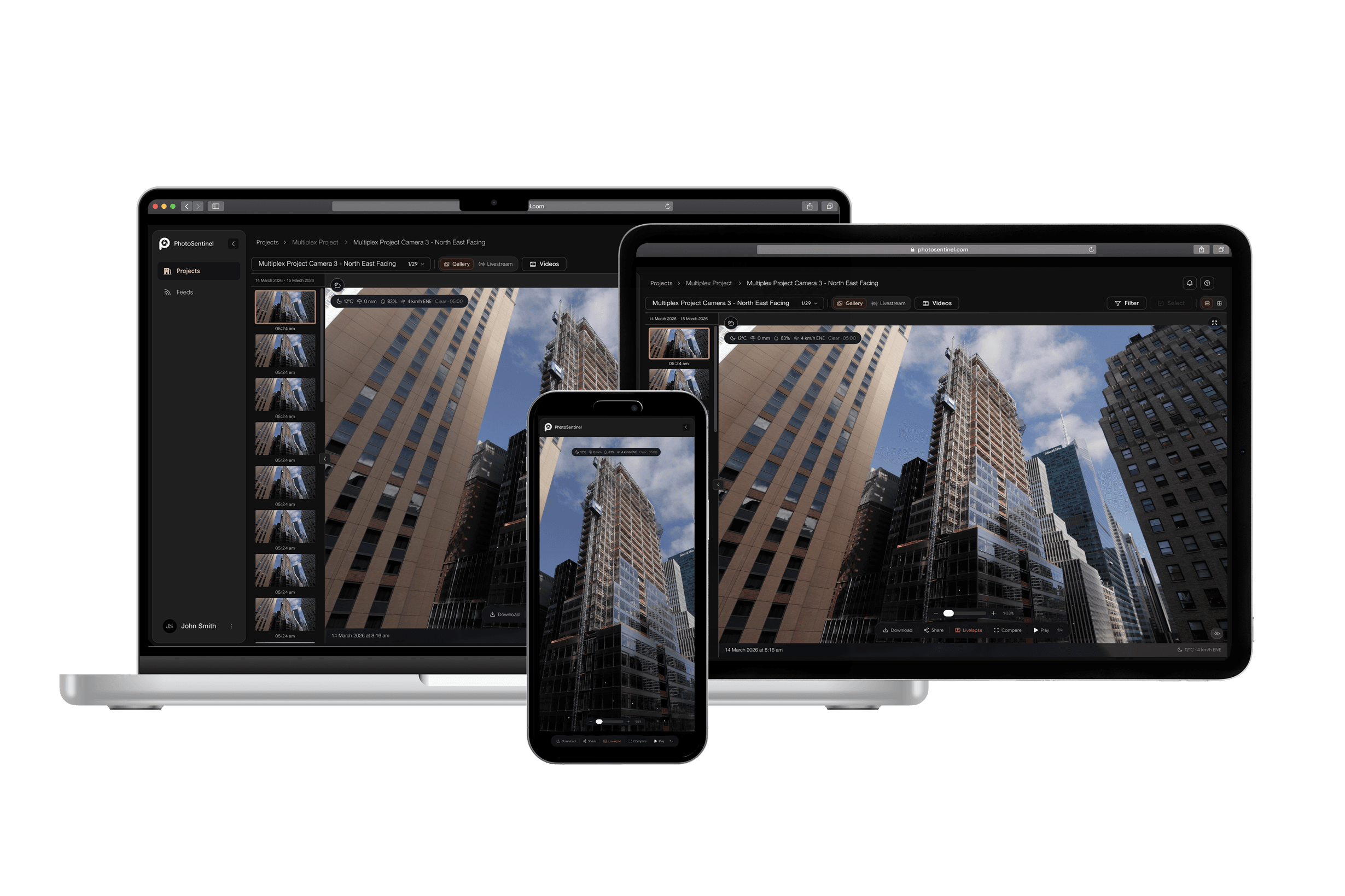
Sentinel OS is our intelligent software platform. From rugged and reliable timelapse, to an enterprise intelligence solution built for compliance, health and safety, and enterprise-scale project oversight.
The platform
Sentinel OS turns every frame into compliance, intel, and story.
Every Buildcam is a sentinel. It keeps watch over your site, day and night, through every season, gathering a continuous record no round of site visits could match. A record with thousands of frames, each with a story waiting to be told.
Sentinel OS is the intelligence layer that turns every frame into an organized, searchable record you can rely on for compliance data and high-quality marketing content. View your projects in real time from anywhere, and get instant intel for the life of the project and a visual story when it's done.
New in Sentinel OS
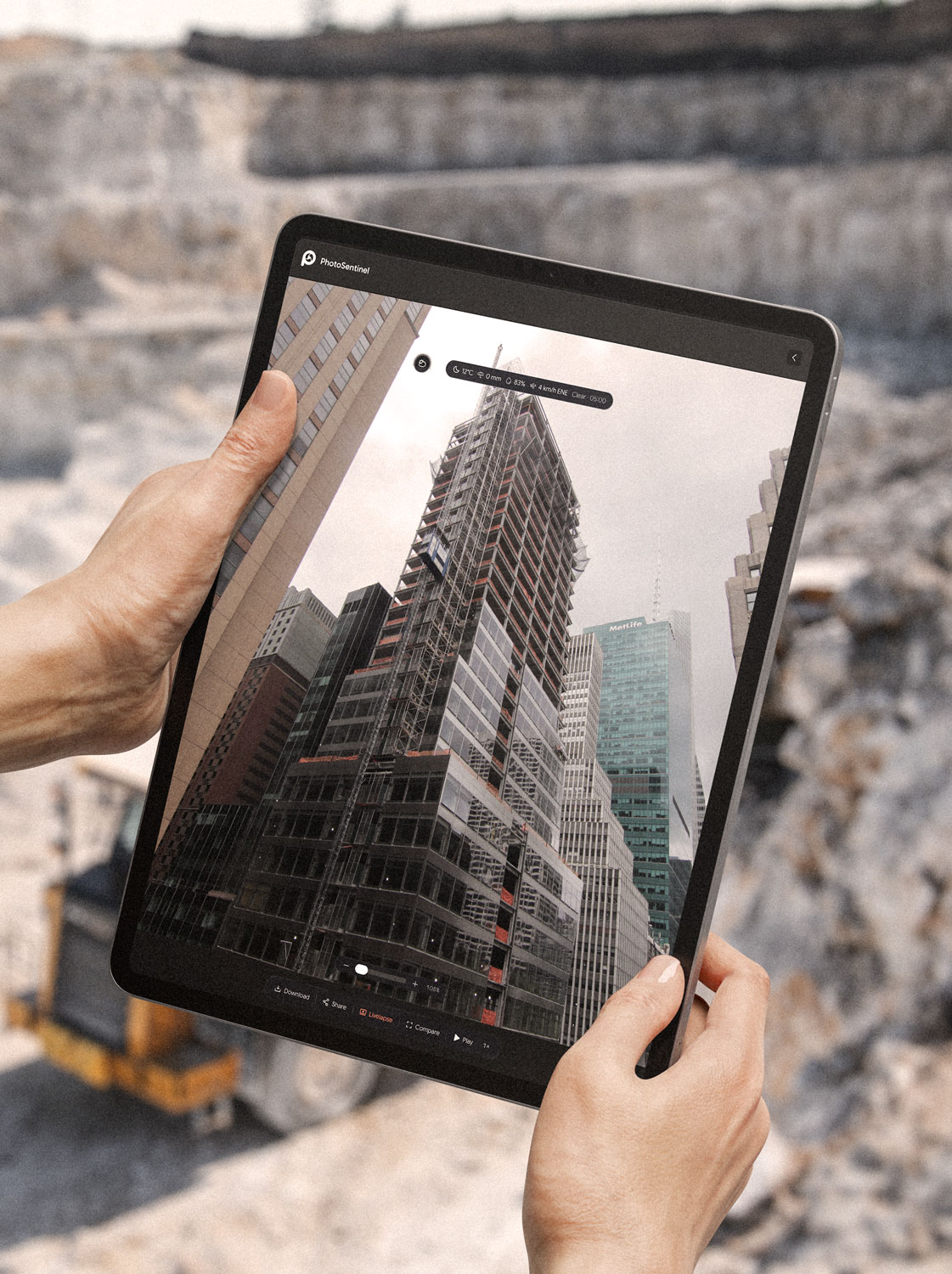
Time Portal. Look back in time, anywhere in the frame.
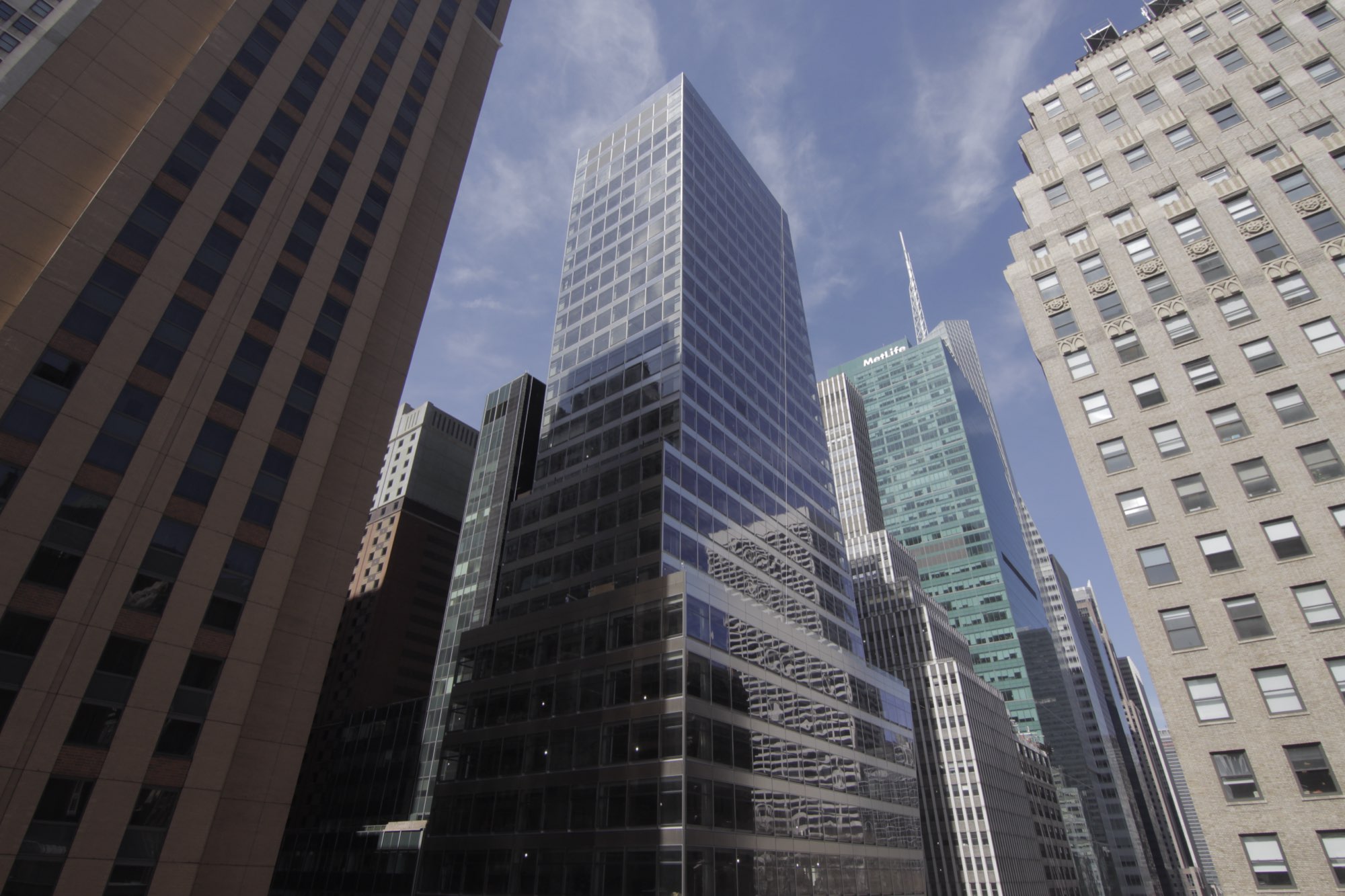
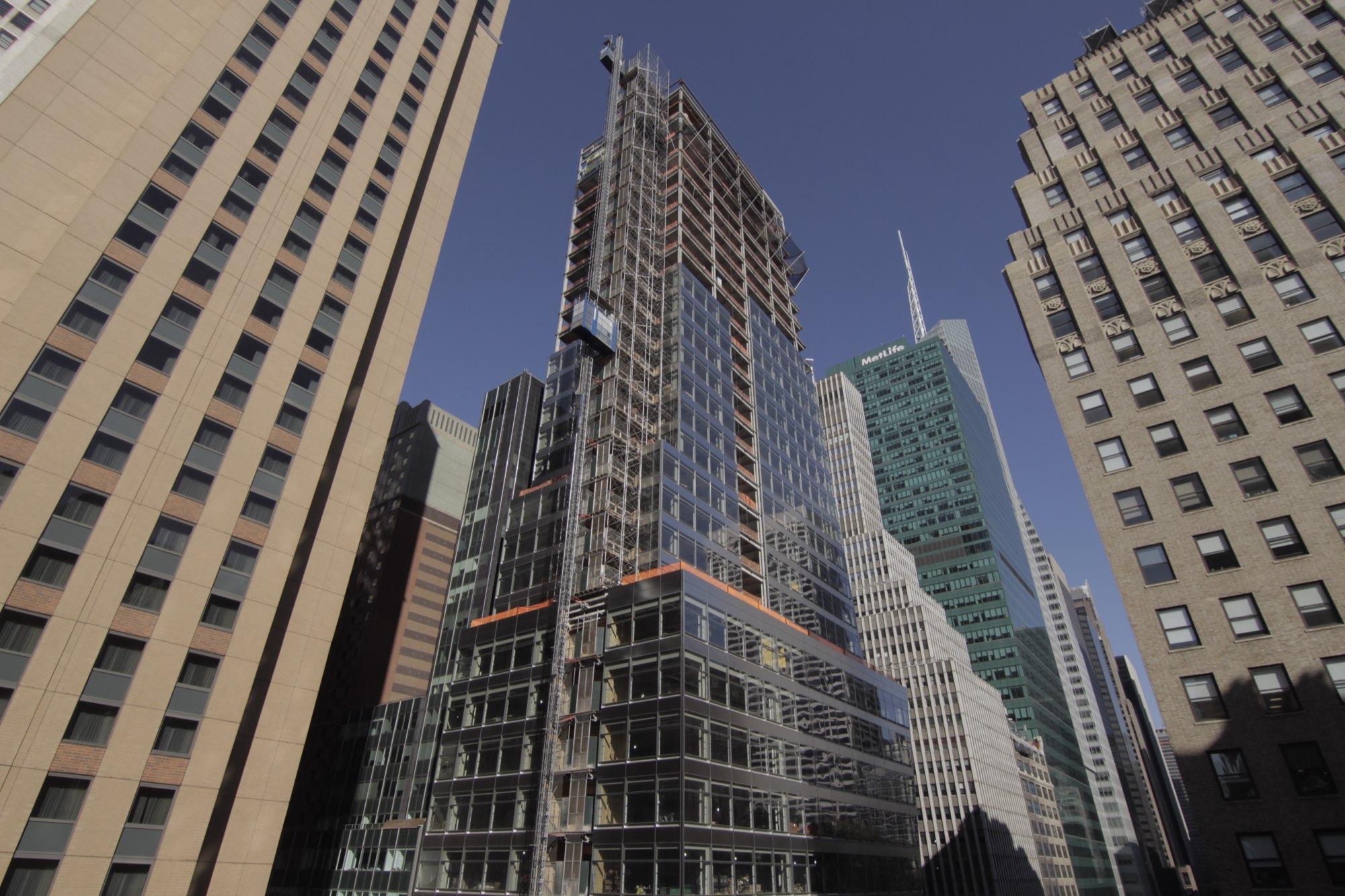
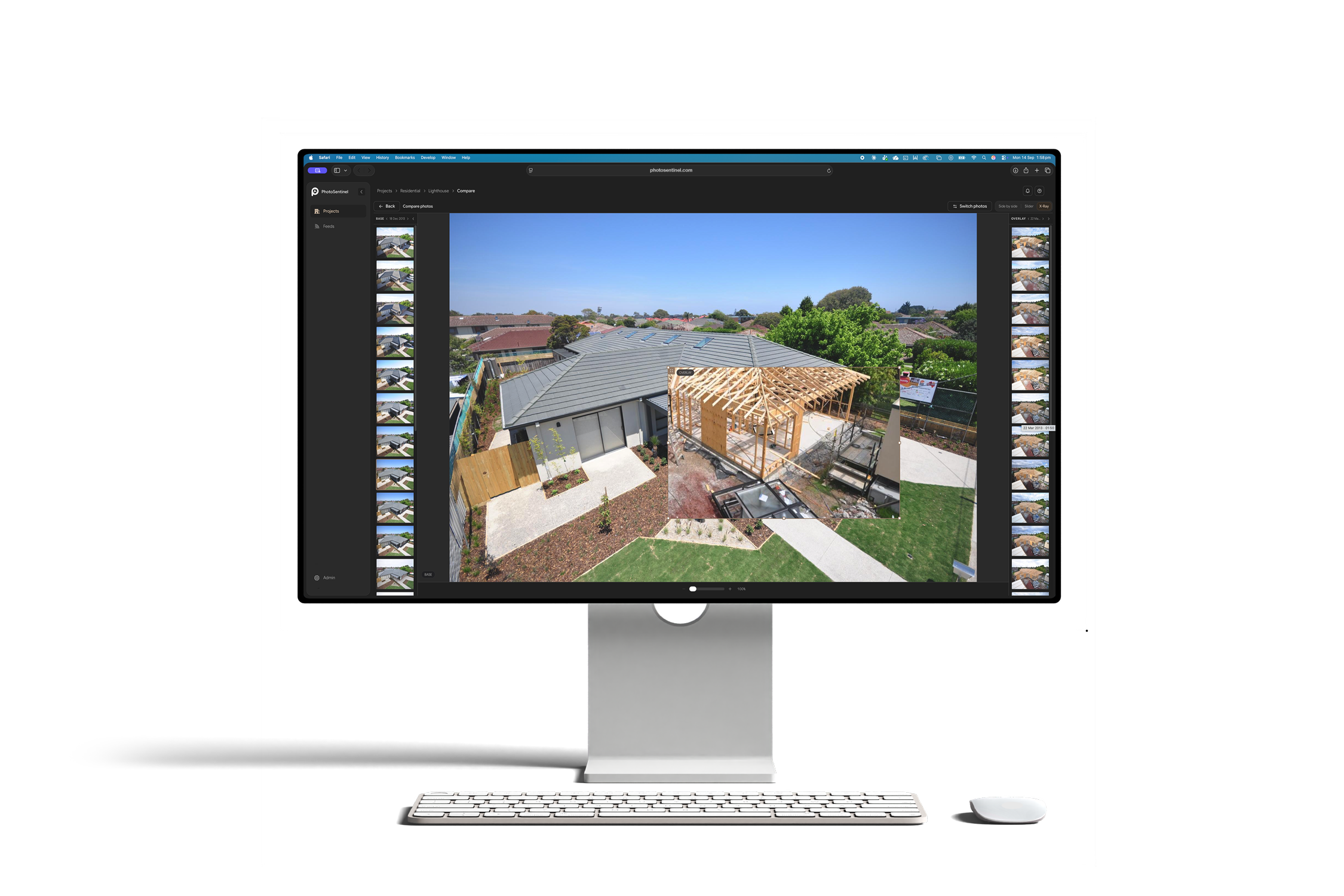
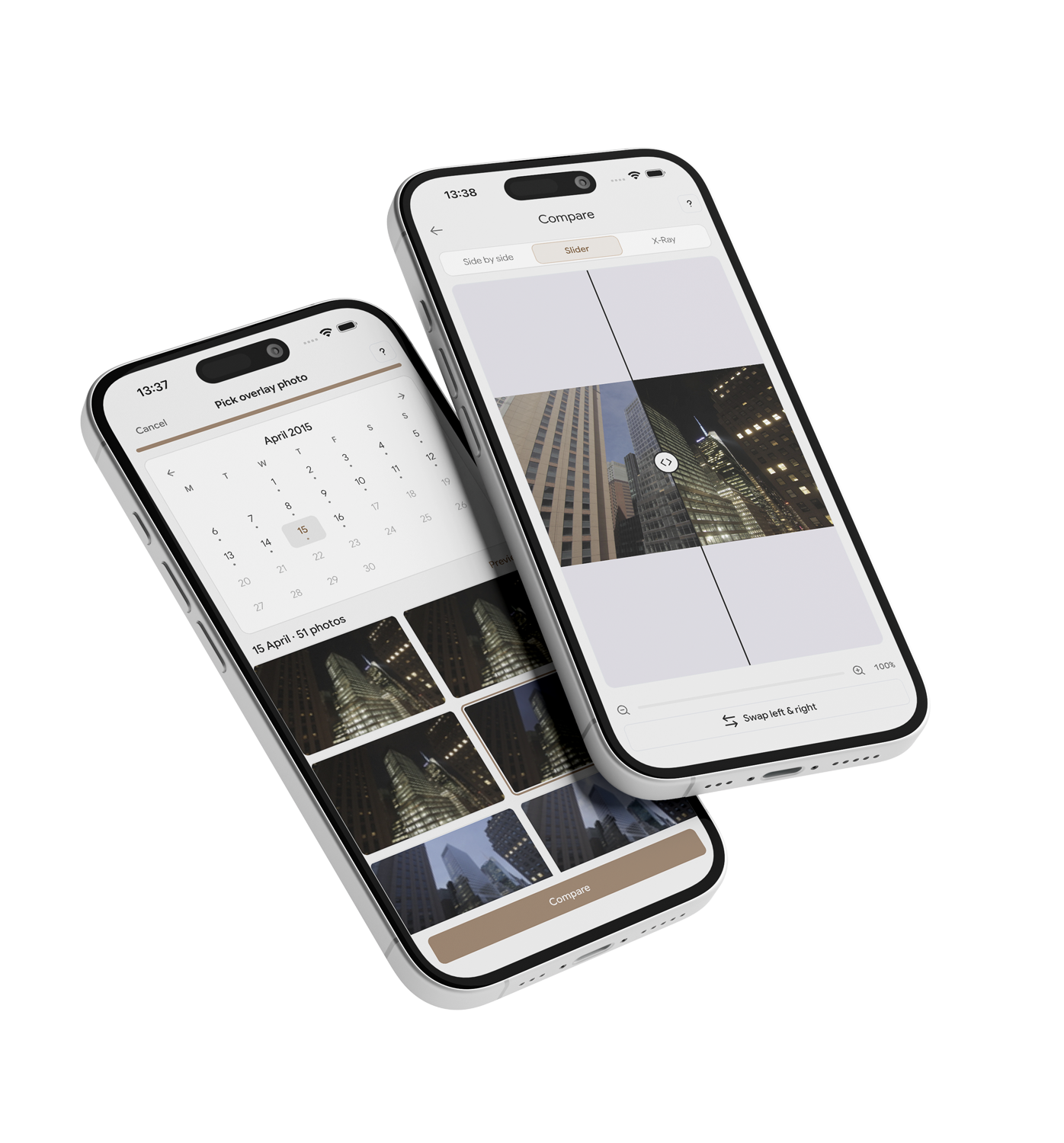
Pick any two dates and see exactly what changed. Drag a window across the frame to reveal the earlier state underneath, or wipe the whole view from now to then. This is live: try it. Time Portal is our flagship compare tool. For a straight side-by-side, Site Comparison sets any two dates across the full frame.
Portal mode. Drag inside the window to move it, drag a corner to resize, or draw a new window anywhere on the frame.
 Now
NowTime Portal
Pick any two moments in your project's timeline. Draw a mask over the area of interest and drag it around to see its historical context. Literally a portal into the past.
Site Comparison
Set two dates side by side and compare across the full frame, the quickest way to see what changed between two points in the build.
F/01 — COMPLETELY NEW UI/UX
A platform rebuilt
from the ground up.
Sentinel OS is a complete rebuild. Every screen, every interaction, one consistent design language across web and mobile. The old gallery-and-folders portal is gone. In its place is a project-first workspace that is faster to learn, quicker to navigate, and built to scale from a single site to a national portfolio of projects.
- One design language across desktop, tablet and mobile.
- Project-first navigation: your work is organized by site, not buried in folders.
- Faster to learn and faster to navigate, on any device.
- Built to global standards across all regions.
F/02 — PROJECT MANAGEMENT
Every site, organized as a project.
Sentinel OS is built around projects. Each site is its own workspace, holding its media, its sitemap, its reports, and its team. Run one project or a hundred from a single dashboard, find the one you need in seconds, and archive a project when it is finished so the record stays put, read-only, for as long as you need it.
- One dashboard across every active project, with search and a map view.
- Each project holds its own media, sitemap, reports, and team.
- Role-based access, from site crew to head office to regional oversight.
- Archive on completion: finished projects go read-only and stay retained.
F/03 — SITE MAPS
See your sites on the map,
and your cameras on the site.
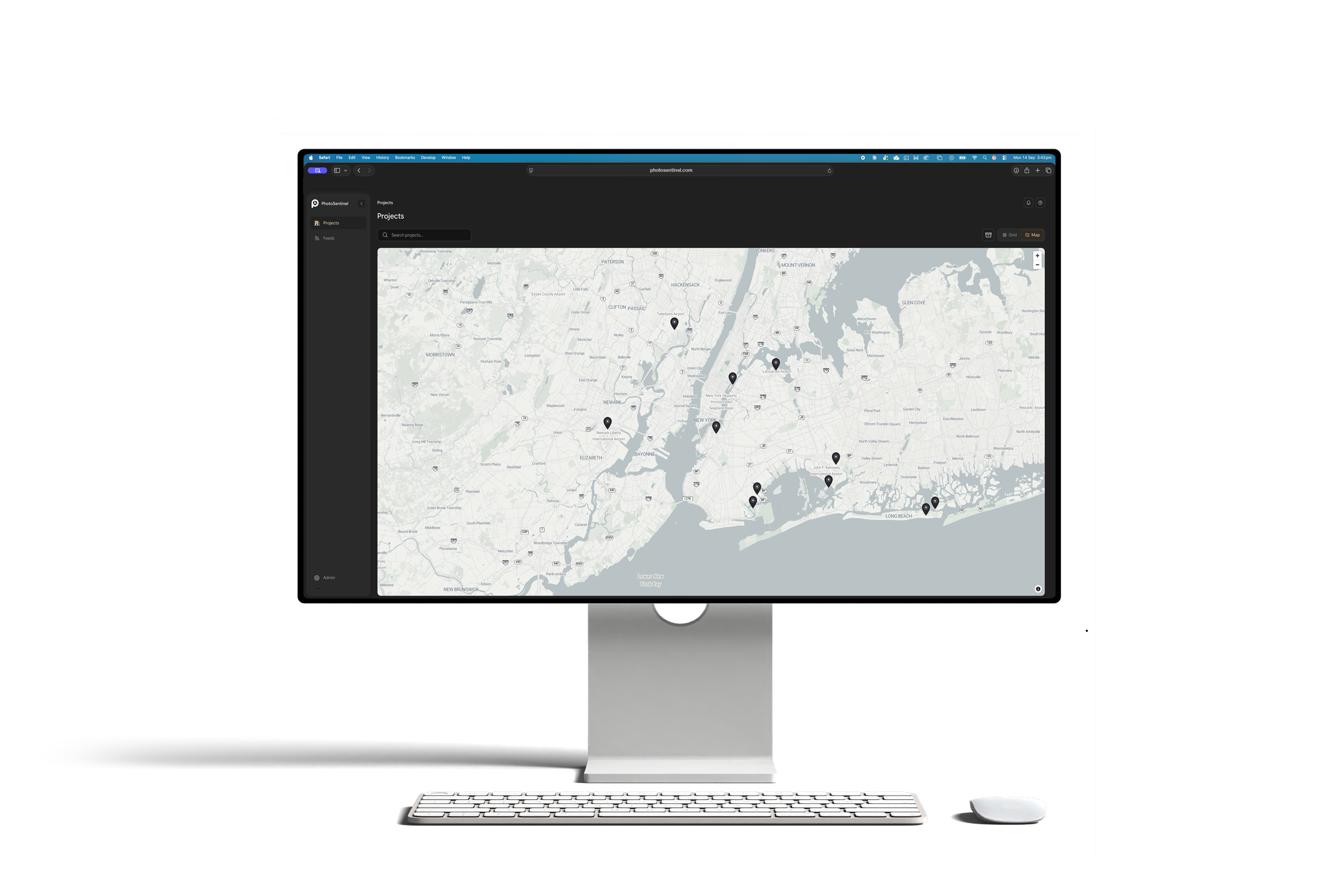
Find any project by where it sits in the world, then drop into a site plan that shows exactly where every camera is pointed. Place each feed on a real-world map, set its field of view, and draw the site boundary, so anyone who opens the project can see what each camera covers at a glance.
- Portfolio map: every project as a pin, clustered and searchable.
- A site plan on a real-world basemap for each project.
- Camera pins with field-of-view cones showing exactly where each camera looks.
- Draw the site boundary once, and everyone sees it, view-only by default.
F/04 — SITE HISTORY
The complete record of your site, from day one.
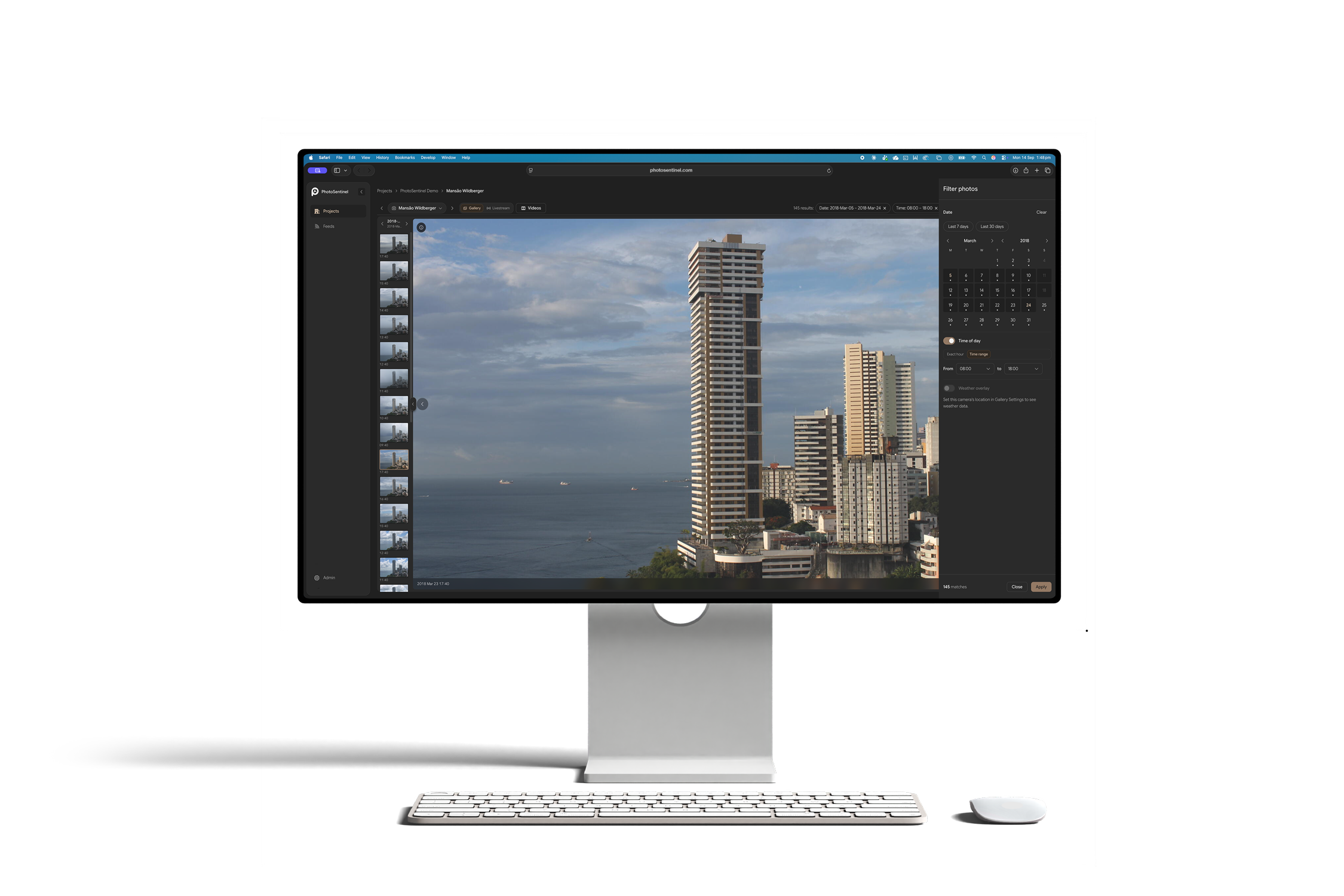
Every frame every camera has captured, kept in one place and time-stamped. Scrub the timeline, jump to any date, narrow to a single camera, and pull exactly what you need, from one still to a whole phase, in full resolution.
- Complete archive: every capture from day one, retained for the life of your subscription.
- Scrub the timeline or pick a date to land on the exact frame.
- Capture-day markers show at a glance which days have footage.
- Filter to a single camera, then export any frame or range in full resolution.
F/05 — DEDICATED MOBILE APP
Your sites in your pocket.
A native app built for the people who live on site. Check any camera from anywhere, watch a live view, get a push the moment a camera drops out or motion fires, and share this morning's frame with a client without leaving the conversation. The power of the desktop, optimized for your phone.
- Native iOS and Android, built for one-handed use on site.
- Live view and Livestream from any camera, wherever you are.
- Push alerts for camera health and motion, not buried in email.
- Share a frame or a Timelapse to a client in a couple of taps.
F/06 — PROCORE INTEGRATION
Your site photos, straight into Procore.
Connect your Procore account once and point a camera feed at the right company, project, and album. From then on, your captures flow into Procore automatically, in the Images tool where your team already works, with no manual upload and nothing to remember.
- Connect Procore in a couple of clicks from your profile.
- Route each feed to the right Procore company, project, and album.
- Captures land in Procore's Images tool automatically.
- One of several destinations: Procore, Dropbox, Google Drive, OneDrive, Amazon S3, and FTP.
Technical
For IT, security, and integration evaluators.
FAQ
Platform questions.
See the platform before you commit to a camera.
The team will walk you through Sentinel OS on a live demo: your project type, your use case.
We'll call you back within the hour.